Why Is a Screw-Terminal Capacitor Connection Hot While the Can Is Cool?
A hot screw-terminal connection with a cooler capacitor can points to a joint or current-path issue that needs investigation. Compare temperatures under real load.
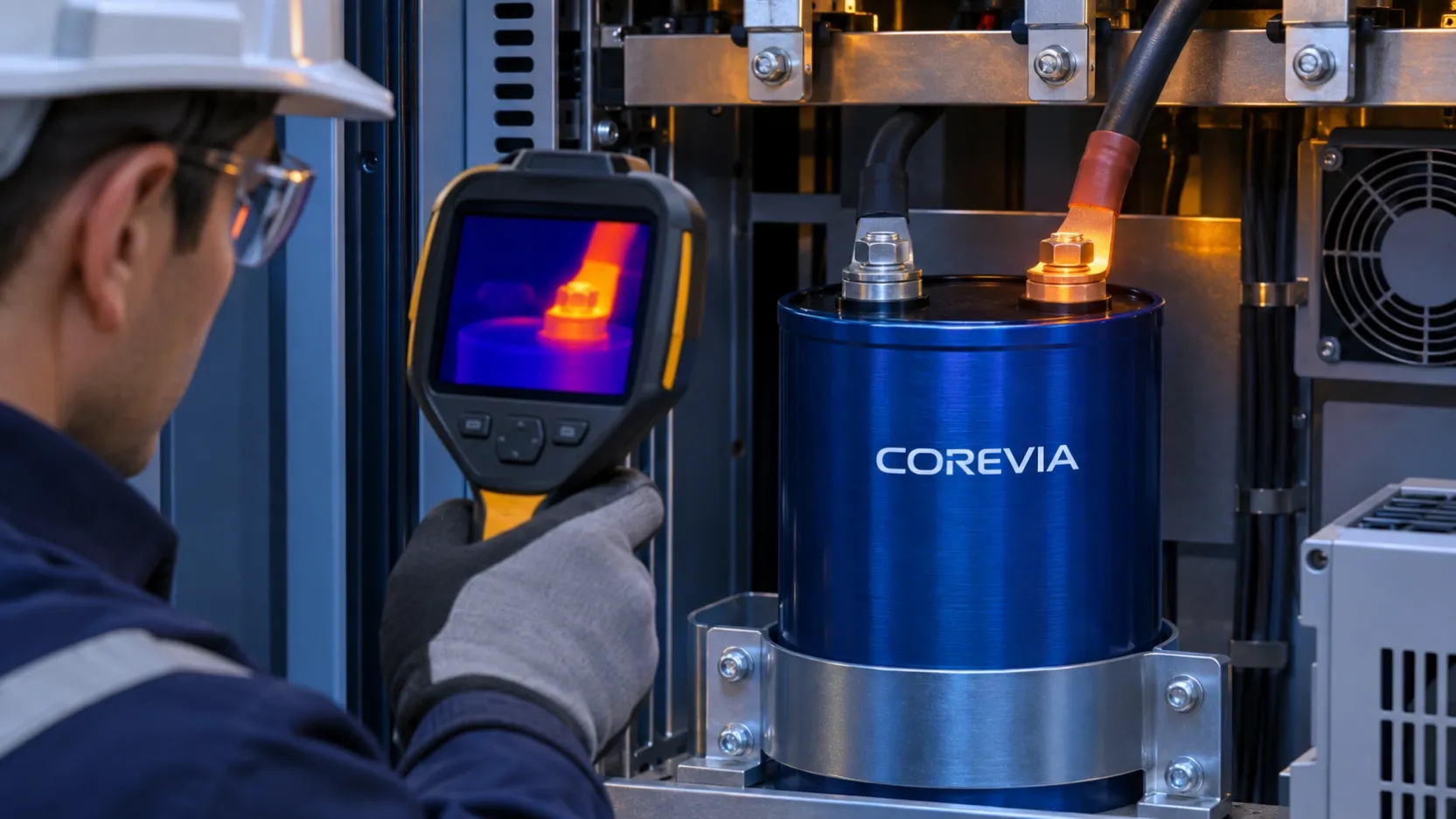
If a screw-terminal capacitor connection runs hotter than the nearby can surface, do not assume the capacitor itself is the only source of heat. A resistive lug, fastener or busbar joint, excessive current through a contact path, or heat arriving from adjacent equipment can produce a local hot spot. Compare the terminal, connected conductor and can under a defined operating load, then inspect the joint after the bank has been safely isolated and discharged. The result needs evaluation against the exact COREVIA part and the equipment design; a thermal image alone is not a pass/fail decision.
What can make the terminal hotter than the can?
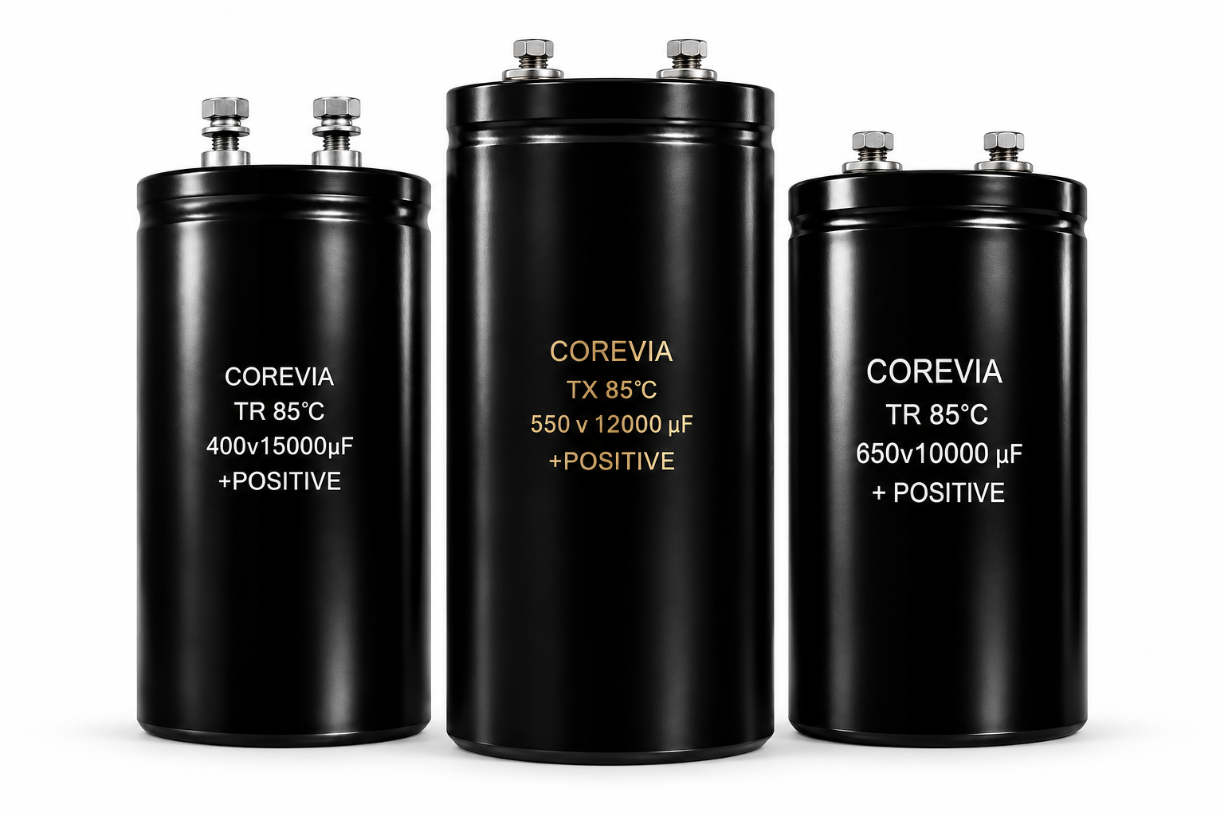
Current passing through a connection creates heat when contact resistance is high. Poor seating, damaged surfaces, incorrect hardware or loss of clamping force can concentrate that heat at a lug or terminal. Current path and busbar geometry also matter: a connection serving several branches may carry a different load than expected. Hot air or a nearby power component can raise one side of the assembly without indicating a capacitor defect. COREVIA lists several screw-terminal capacitor series; select the exact part and terminal drawing before interpreting a measurement. Do not apply another manufacturer's terminal temperature or current limit to a COREVIA part.
| Observation | Possible question | Evidence to collect |
|---|---|---|
| One lug hotter than the other | Is this joint or branch carrying unusual current? | Temperatures, branch current and joint photo |
| Conductor hot along its length | Is conductor sizing or routing involved? | Current, conductor size and layout |
| Can and both terminals warm | Is operating ripple or ambient heat driving temperature? | Can, ambient and current data under load |
| Hot spot appears after service | Was hardware or alignment changed? | Before/after records and assembly details |
How should you measure the hot spot?
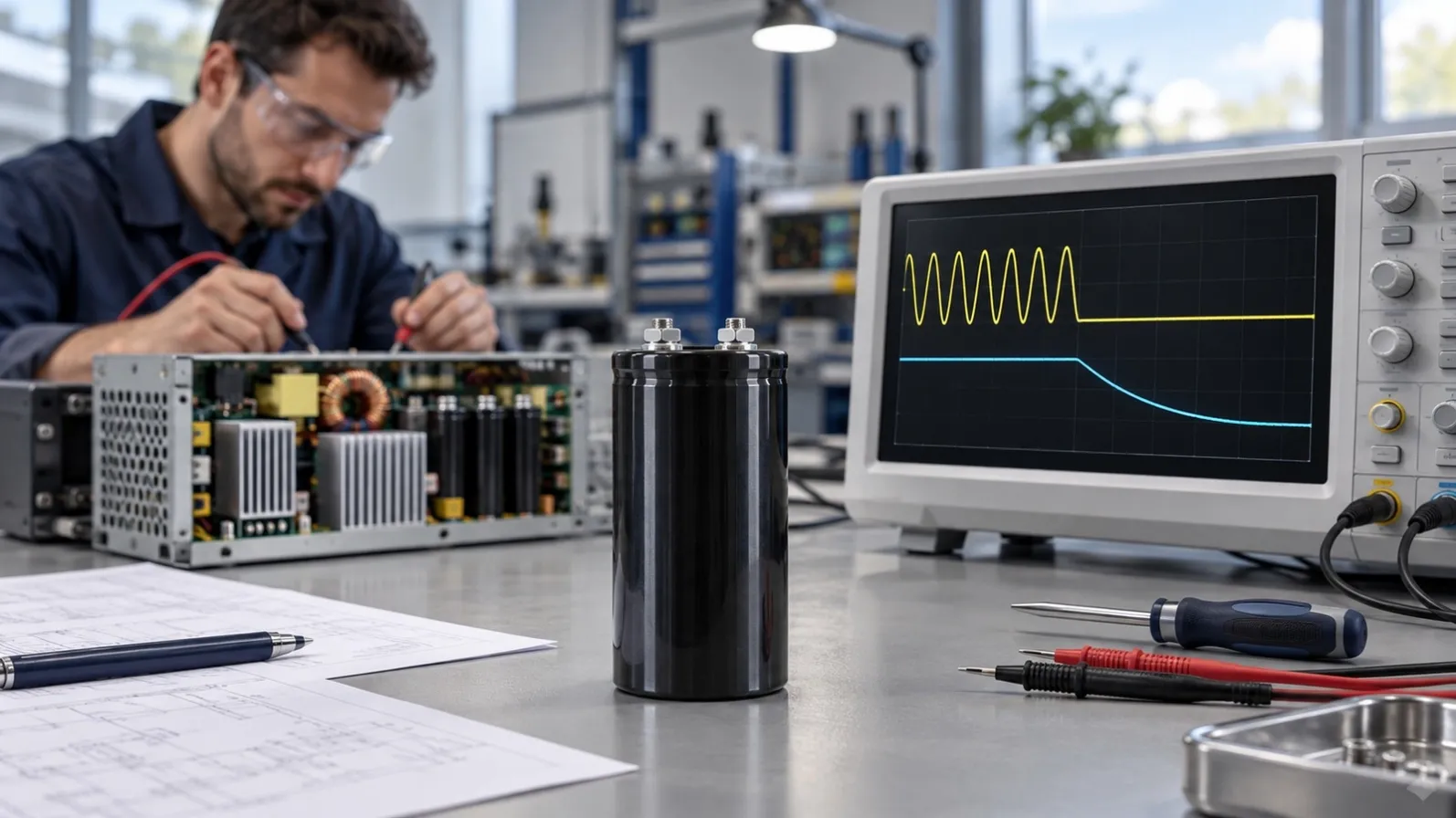
Measure at a repeatable operating point, including the load level, ambient temperature and time since startup. Record terminal, lug, busbar and can temperatures at defined locations, plus the current in the relevant branch. Infrared images are useful for locating a hot region, but apparent temperature depends on surface finish, emissivity, reflection and viewing angle. Confirm critical readings with a suitable contact method where the equipment procedure permits it. Compare like surfaces and repeat the test; avoid treating a shiny metal pixel as an exact terminal temperature. Follow the approved live-equipment measurement and safe-isolation procedures. See the related guide on measuring DC-link capacitor branch ripple current when the application is an inverter.
What should happen before the equipment is approved?
After safe isolation and verified discharge, inspect the joint for loose hardware, discoloration, oxidation, damaged threads, a misaligned lug and mechanical load from the busbar. Use the torque and hardware instructions approved for the exact COREVIA part; the separate terminal torque guide explains what to confirm. Do not simply tighten a hot joint while energized or copy a generic torque. If a joint has been damaged, request engineering disposition and repeat the temperature and electrical checks after the approved repair. For a part-specific review, send COREVIA the part number, connection drawing, measured temperatures, load and branch-current data, operating time and photos through the contact page. The equipment designer must approve the full electrical and thermal system.
FAQ
Does a cool can prove the capacitor is healthy?
No. Can temperature is one observation. Check electrical duty, the exact series limits, connection condition and the operating history before reaching a conclusion.
Can I judge the joint from a thermal camera image alone?
No. Use the image to locate a possible hot spot, then document load and measurement conditions and confirm the reading with a suitable method.
Should I retighten a hot terminal immediately?
No. Isolate and discharge the bank first, inspect the joint and follow the approved hardware and torque instructions. Escalate damaged parts for disposition.