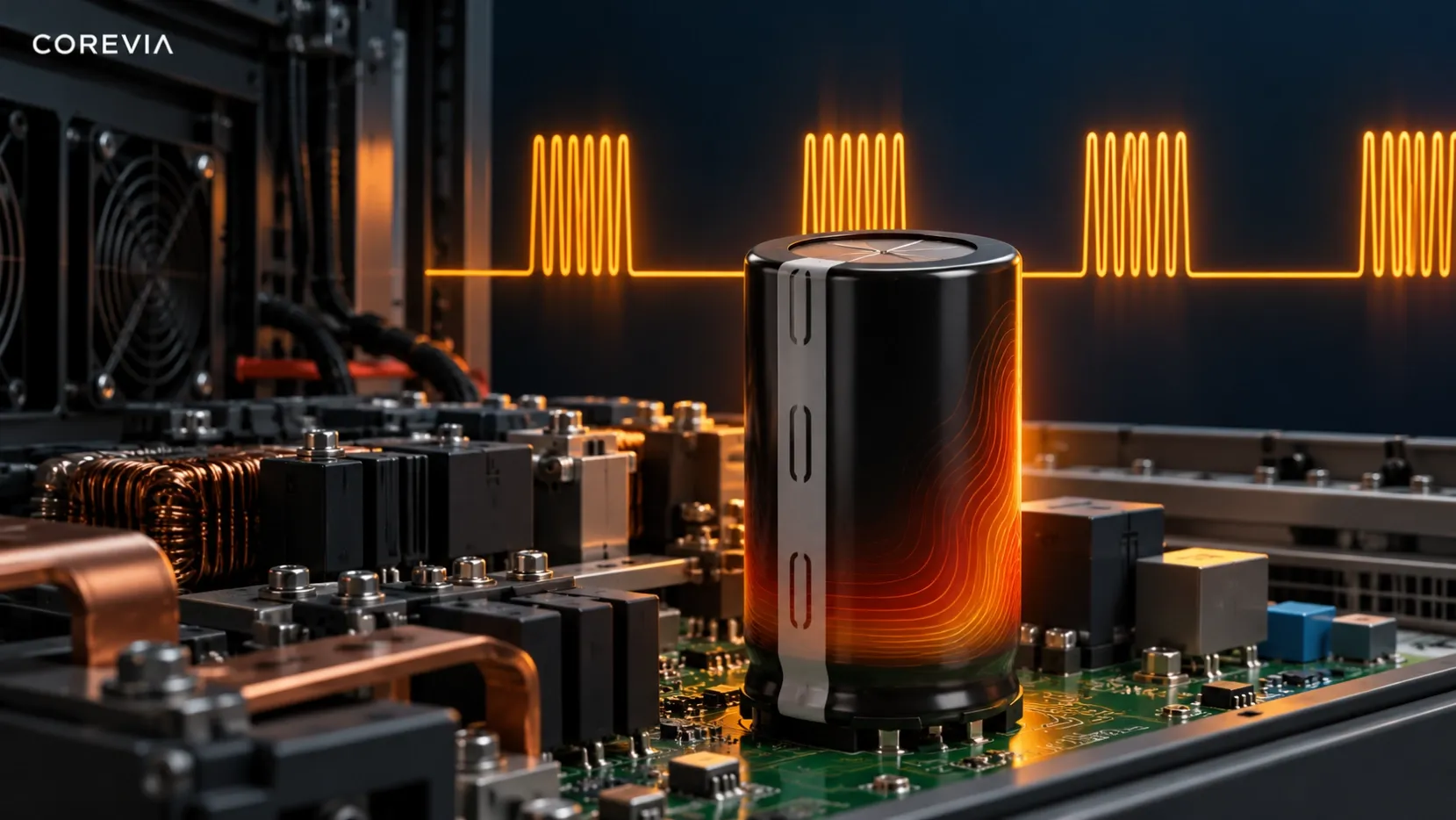
Can Snap-In Capacitors Handle Vibration in Industrial Drives?
A snap-in capacitor's electrical rating does not prove it will survive drive-cabinet vibration. Check the exact COREVIA part, PCB support and measured vibration before approval.
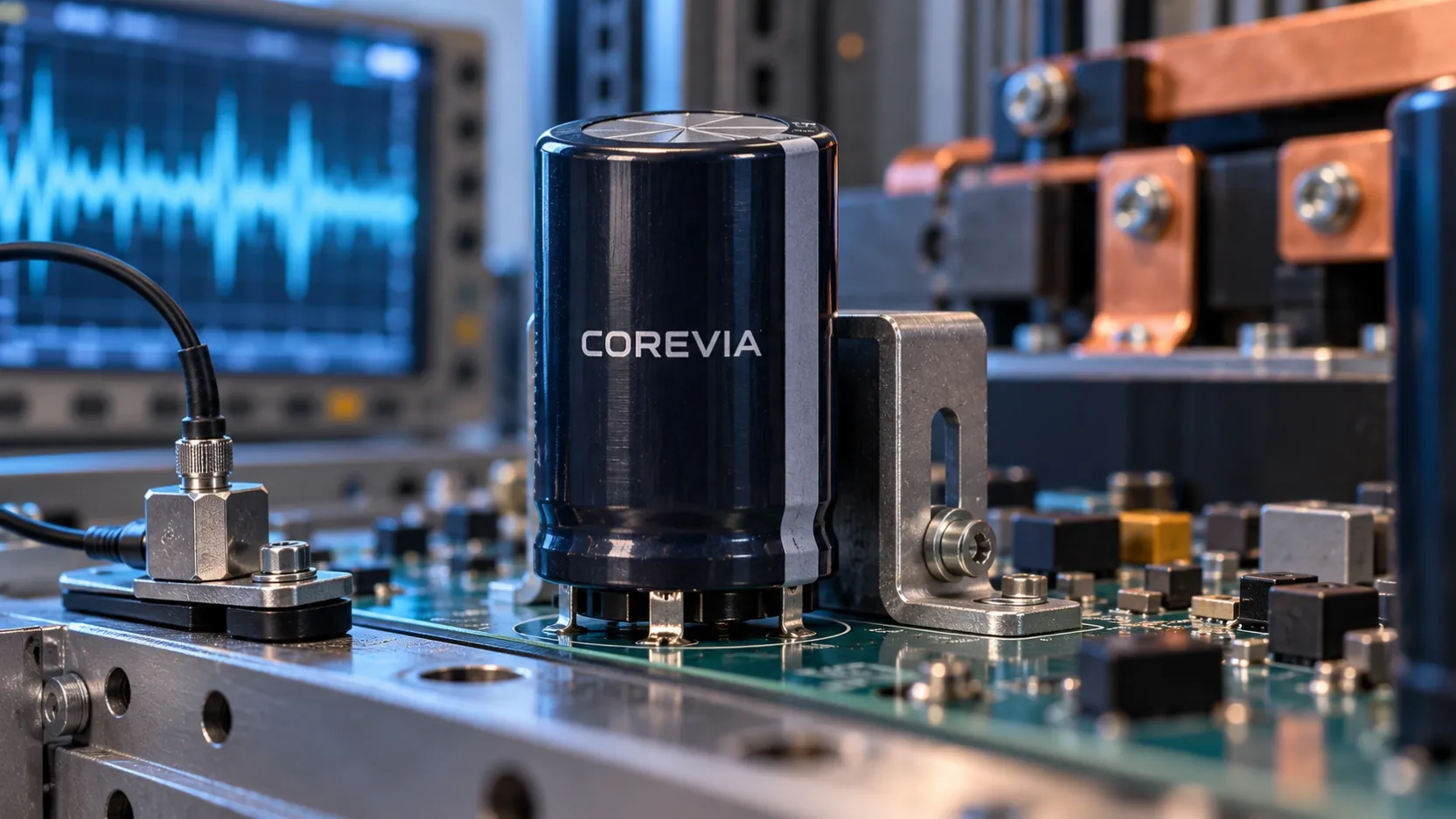
A snap-in aluminum electrolytic capacitor can be considered for a vibrating industrial drive only after the exact part and the complete mounted assembly are qualified for the vibration at the capacitor. The snap-in terminals locate and electrically connect the component; they do not, by themselves, prove that a tall capacitor, solder joints and PCB will tolerate every cabinet vibration profile. Request the applicable COREVIA part drawing and specification, define the actual vibration at the PCB, and test the mounting arrangement in its intended enclosure. Do not treat capacitance, voltage or ripple-current compliance as a mechanical qualification.
This question is particularly relevant when a drive is installed close to a motor, pump or compressor. Cabinet panels, mounting rails and the PCB can transmit motion differently. A vibration level measured at the machine frame is not automatically the level experienced by the capacitor body.
Where can vibration stress a snap-in assembly?
The capacitor body has mass above the PCB. Motion can load its terminals, solder joints, board pads and the local board section. If the board flexes or the capacitor and its support move differently, a static fit check may miss repeated mechanical stress. Nearby busbars, wiring or a cover must not press on the sleeve or turn the capacitor into a structural stop.
Check resonance, not only the largest reported acceleration. The drive may operate over several motor speeds, and the cabinet response may vary with mounting and panel position. A component-level vibration statement, if available for a specific part, must be read with its stated test fixture and conditions. It does not automatically qualify a different PCB, bracket or enclosure.
What should the drive team check before choosing a part?
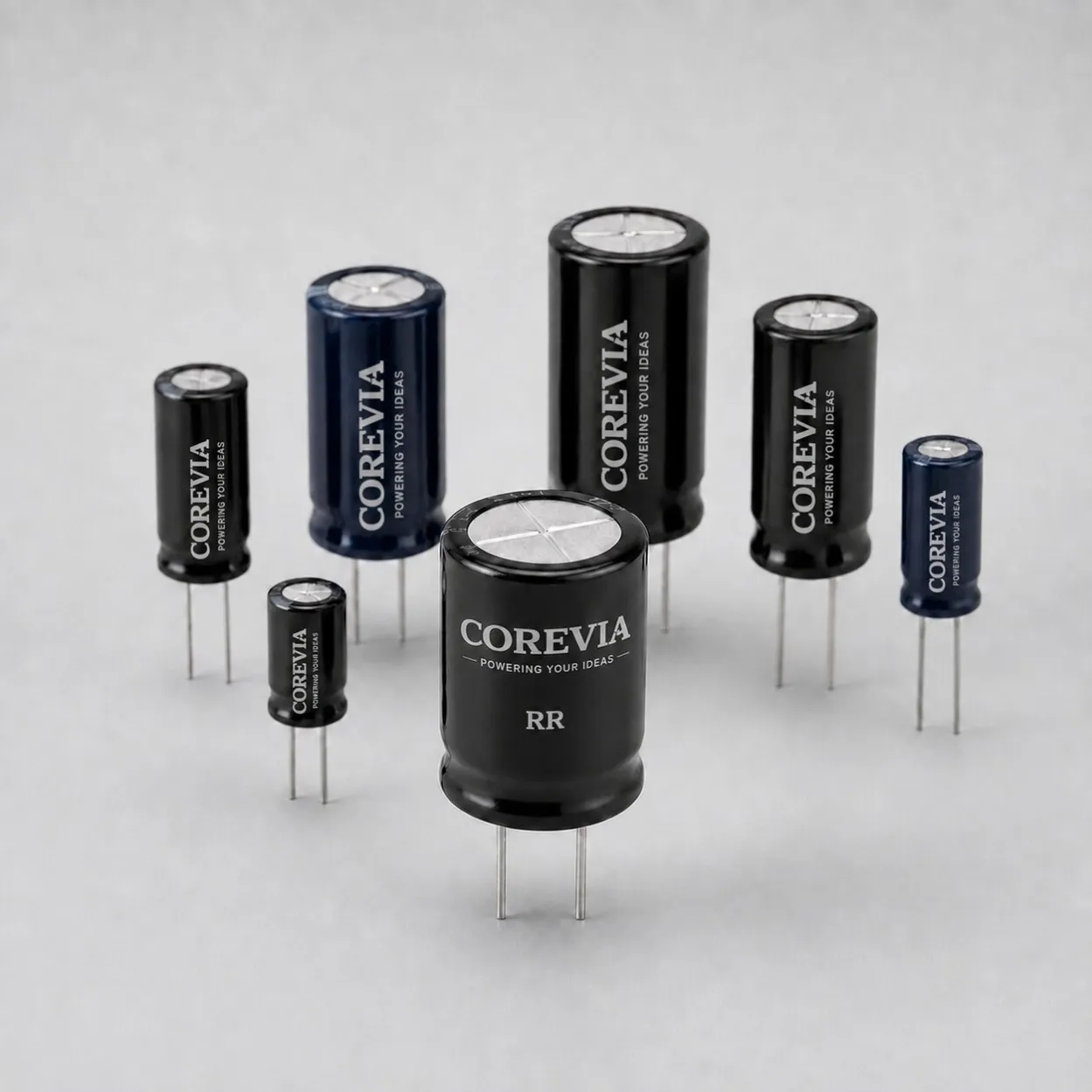
Begin with the electrical selection and then examine the actual mechanical arrangement. COREVIA's snap-in terminal capacitor range includes several series and case options. The family page is a starting point; use the exact part drawing to verify terminal pattern, case dimensions, vent clearance and any mounting instructions. Do not infer a vibration rating for a COREVIA series from another product's test.
| Item to review | Evidence to collect | Decision it supports |
|---|---|---|
| Exact capacitor | Part number, drawing, case size and applicable mechanical limits | Confirms which specification is being evaluated |
| Installed PCB | Board thickness, pad and hole pattern, solder process and board support | Identifies possible joint or board flex |
| Local vibration | Measurements at or near the capacitor across relevant speeds and directions | Defines the exposure the assembly must withstand |
| Mechanical restraint | Bracket or support design, clearances and attachment points | Checks that the body is restrained without damaging the sleeve or blocking the vent |
| Adjacent hardware | Busbars, cables, enclosure walls and service access | Finds contact, interference and transmitted load |
| After-test condition | Visual inspection and appropriate electrical checks | Detects loosened joints or changed capacitor behavior |
A support bracket may be appropriate for a large or vibration-exposed assembly, but its material, fit and attachment must be designed for the actual capacitor and equipment. Keep the pressure-relief path free and prevent a rigid support from loading the seal or terminals. COREVIA's industrial drives application page provides context for the equipment; it is not a substitute for a part-specific mechanical review.
How should the mounted assembly be qualified?
Test the assembled PCB and enclosure under the operating conditions that matter: relevant machine speeds, start and stop events, mounting orientation and the expected service environment. Record where the vibration was measured, the direction, frequency content, duration and fixture. Compare that evidence with the exact part's documentation and seek COREVIA's guidance when a limit or test method is unclear. Avoid turning a different manufacturer's test value into a COREVIA claim.
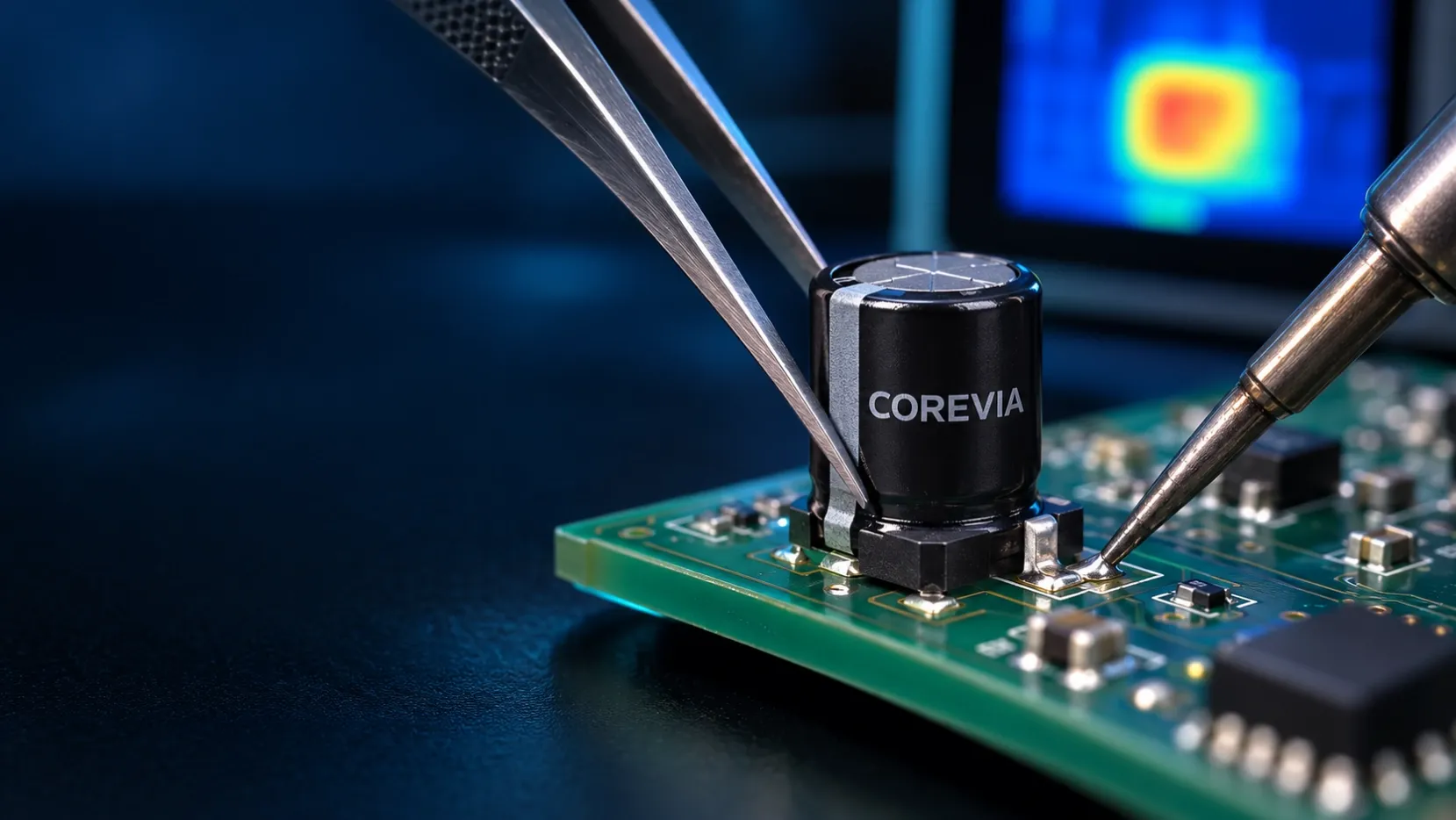
Inspect the capacitor body, terminal joints, PCB pads, support and vent clearance before and after testing. If a failure or movement appears, revise the mount and repeat the check rather than relying on a single successful electrical measurement. Electrical requirements still apply during operation, including voltage, ripple current and temperature. The mechanical test and electrical design review answer different questions.
FAQ
Are snap-in pins alone enough to secure a tall capacitor?
There is no universal answer. The installed height, mass, board support and vibration at the part all matter. Confirm the exact COREVIA mounting instructions and qualify the assembly; use an engineered support where the application calls for one.
Can I use the motor's vibration figure as the capacitor's test condition?
Not without checking how motion reaches the PCB. Measure or otherwise establish the exposure at the capacitor's mounted location across the relevant operating states. Cabinet and board resonances can change the local response.
Does a capacitor's electrical datasheet prove vibration resistance?
No. Electrical ratings and mechanical qualification describe different limits. Request the exact part's applicable mechanical information and validate the final PCB and enclosure arrangement.
Designing a drive for a vibration-prone installation? Contact COREVIA with the proposed snap-in part number, drawing, PCB layout, cabinet support scheme and measured local vibration profile so the team can review the application-specific mounting plan.