Can an SMD Aluminum Electrolytic Capacitor Be Reworked With a Soldering Iron?
A soldering iron may be used for controlled SMD capacitor rework only within the exact series limits. Protect the body, pads and terminals, then inspect the assembly.
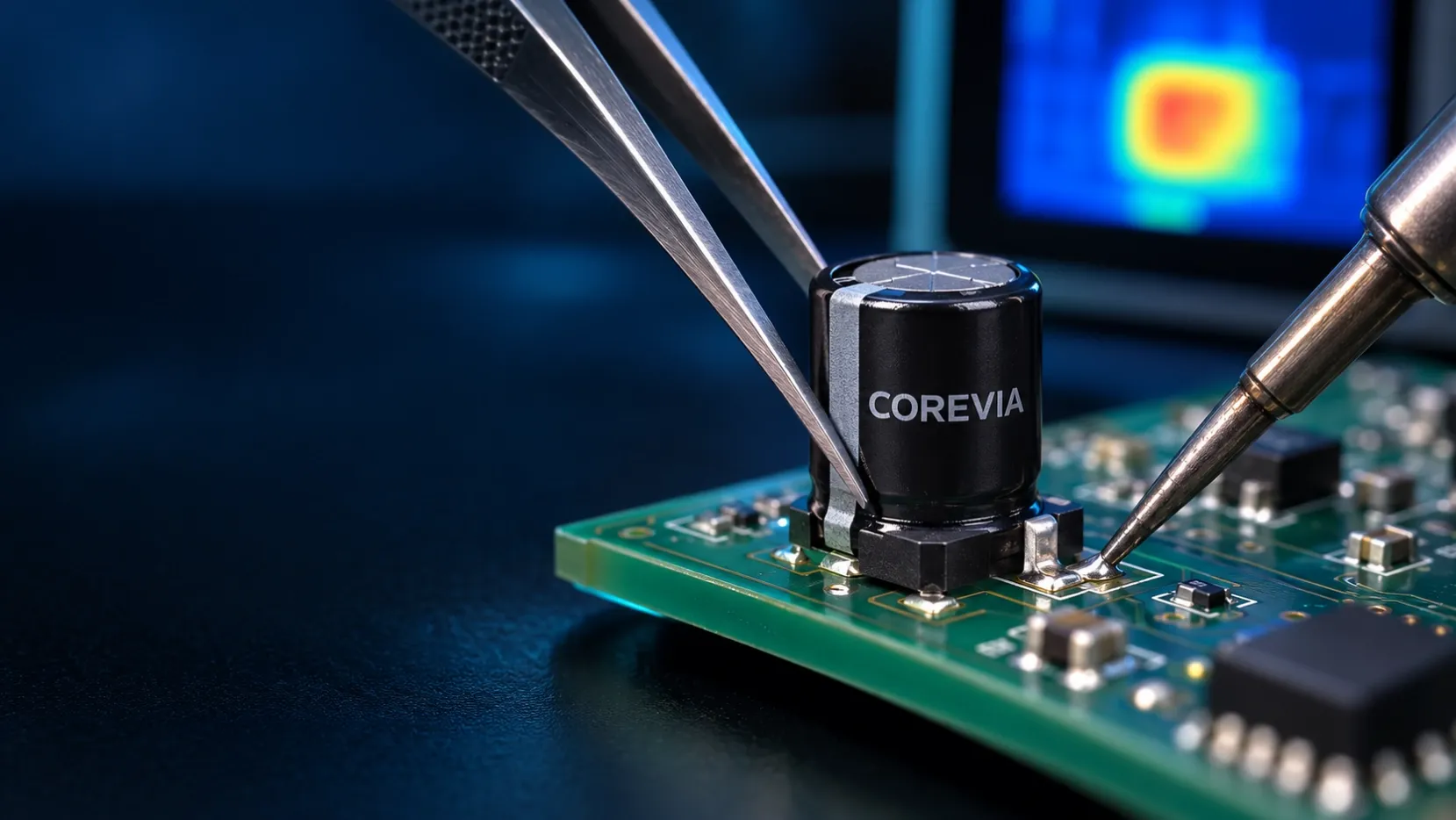
A soldering iron may be used for controlled rework of an SMD aluminum electrolytic capacitor only when the exact COREVIA series specification permits the process and its temperature, contact time and total heat exposure stay within the approved limits. Apply heat to the solder joint—not the capacitor body—and avoid pulling, twisting or lifting the component before the solder has fully released.
The rework plan must cover more than the iron setting. Board copper, pad size, thermal mass, operator technique and previous heating cycles all change the heat reaching the capacitor and PCB. For a production repair, use the exact part number and a documented process rather than a generic bench setting.
When is soldering-iron rework acceptable?
Start with the current specification for the exact COREVIA part number. Confirm that manual rework is allowed, identify the permitted conditions and check whether the part has already passed through one or more reflow cycles. Do not transfer a condition from a similar-looking capacitor or another case size.
Manual rework is not the same as the original reflow process. A soldering iron creates concentrated heat at the terminal and pad, while the board can conduct that heat into the capacitor and nearby components. Use a tip, power level and contact method that can make the joint efficiently without prolonged heating.
If the capacitor must be removed, melt the solder sufficiently before lifting it. Mechanical force applied while a terminal is still attached can damage the pad, terminal or internal connection. Treat a removed capacitor as non-reusable for production unless the exact approved procedure explicitly allows reuse; installing a new approved part is the safer default.
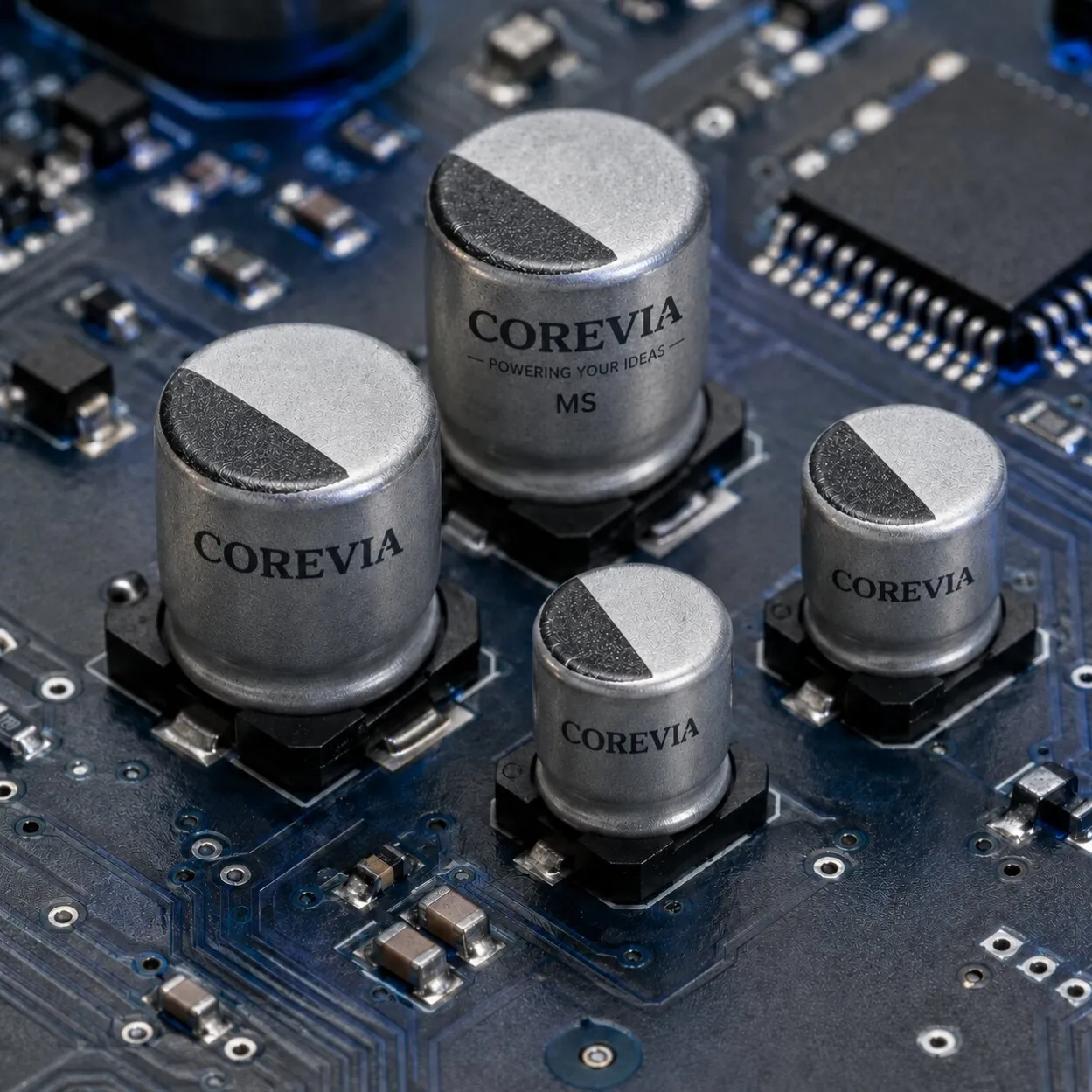
For product-family context, review the COREVIA SMD aluminum electrolytic capacitor range. Final approval still depends on the exact series drawing and specification.
How should an OEM control the rework process?
Control both thermal input and mechanical handling. The operator should be able to identify the correct polarity, terminal locations and solder joints before heat is applied.
| Review item | What to control | Why it matters |
|---|---|---|
| Exact part number | Use the current COREVIA series specification and case drawing | Rework limits and geometry can vary by series and size |
| Heating history | Record original reflow passes and any previous repair | Total thermal exposure matters, not only the latest touch-up |
| Iron contact | Heat the solder joint and terminal area without touching the sleeve or body | Direct tool contact can damage the capacitor exterior or seal system |
| Removal force | Lift only after the solder has fully released | Prevents pad lifting and stress on the terminals or internal connection |
| Polarity | Verify the component and PCB markings before replacement | Prevents reverse installation during repair |
| Board support | Keep the PCB flat and avoid bending near the component | Board flex can transfer mechanical stress into the soldered capacitor |
| Post-rework inspection | Check alignment, solder joints, pads, body condition and residue | Finds visible process damage before power-up |
| Validation | Apply the OEM's electrical and functional acceptance plan | Confirms that the repaired assembly meets the defined requirement |
Use a first-article board to establish the process. Where the assembly is thermally heavy, verify actual temperatures at relevant locations instead of assuming the iron display equals the temperature experienced by the joint or capacitor. Keep the approved work instruction, tool identification and inspection record with the repair lot.
After rework, inspect for a tilted body, displaced base, damaged sleeve, lifted pad, solder bridge, insufficient solder and polarity error. Clean only with a chemistry and drying process approved for the exact component and assembly.
What should a customer send COREVIA for review?
Send the complete COREVIA part number, current component drawing, PCB footprint, board material and thickness, copper layout around the pads, original reflow profile, proposed iron or rework method, expected number of heating cycles, removal method and post-rework acceptance criteria. Include clear photographs of the component and solder joints before and after the trial.
Also state the equipment type, operating voltage, ripple-current conditions, local temperature and the reason for rework. For power-conversion context, see the COREVIA industrial power supplies application page. Then contact COREVIA with the exact part number and rework plan for an application-focused review.
FAQ
Can the soldering-iron tip touch the capacitor sleeve?
No. Keep the hot tip on the intended solder joint and away from the sleeve, body and seal area. Direct contact can damage the exterior and may introduce heat or mechanical stress where it is not intended.
Can I reuse the capacitor after removing it from the PCB?
Do not assume it is reusable. Removal adds thermal and mechanical stress, and the history may be difficult to verify. For production repair, use a new approved component unless the exact specification and qualified process explicitly support another decision.
Is a successful visual inspection enough after rework?
No. Visual inspection is necessary but does not replace the OEM's electrical and functional acceptance plan. The required checks depend on the circuit, failure risk and repair procedure.
Planning SMD capacitor rework before production release? Send COREVIA the exact part number, PCB layout, heating history and proposed repair process.