Can a Screw-Terminal Capacitor Be Mounted Without a Body Clamp?
Do not let busbars and terminals carry the capacitor body by default. Review the exact clamp, mechanical load, insulation and vibration conditions first.
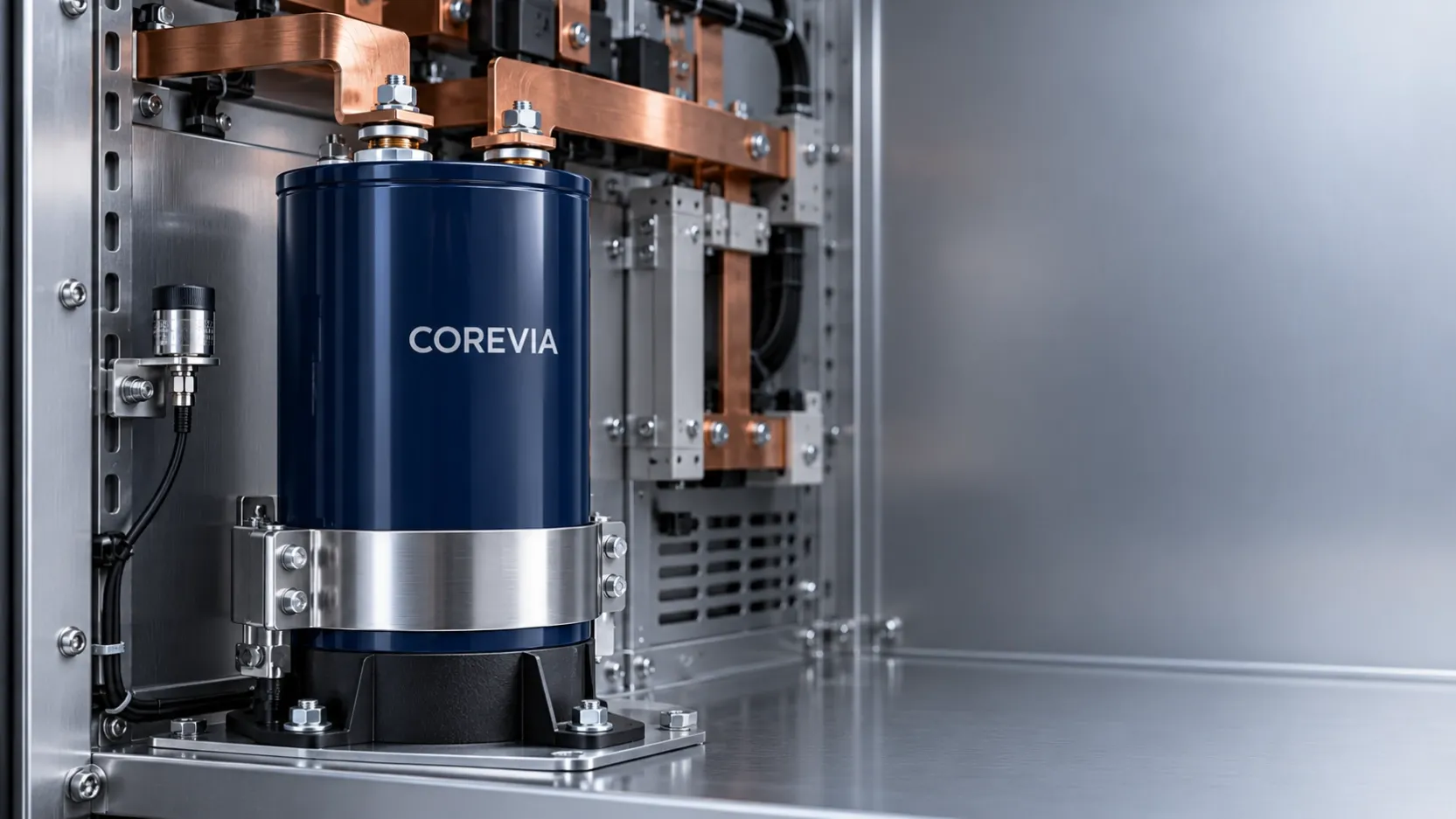
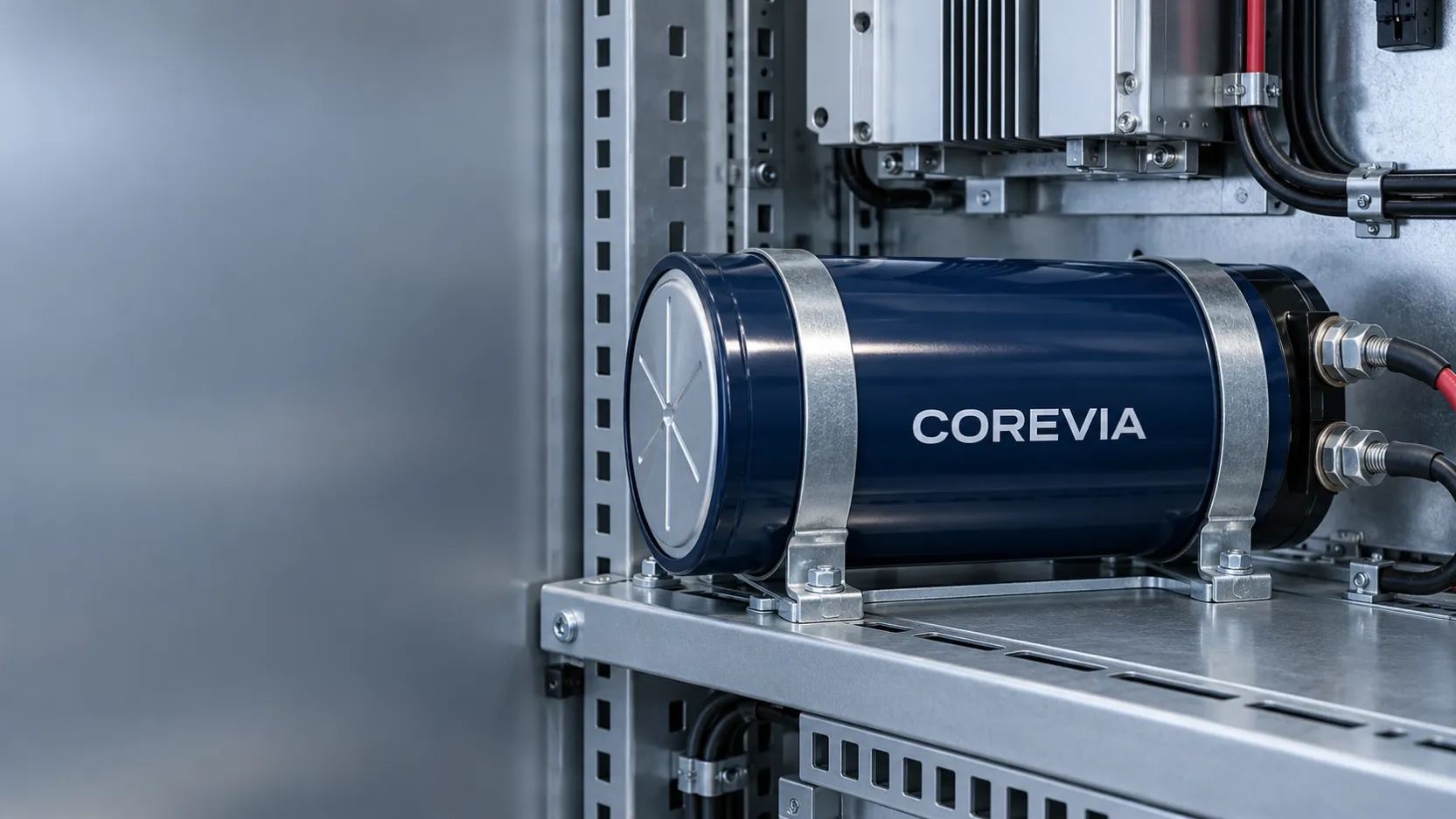
Do not approve a screw-terminal aluminum electrolytic capacitor mounting design that relies on the terminals and busbars as the only mechanical support unless the exact COREVIA product specification explicitly allows it. The body needs a mounting method that controls vibration, shock and busbar force without damaging the can, sleeve, seal or terminals. Review the exact series drawing, clamp position, tightening conditions, insulation and vent orientation before production.
What mechanical loads must the mounting system control?
A large screw-terminal capacitor has mass, and that mass creates force when equipment is transported, vibrates or experiences shock. Thermal expansion and assembly tolerances can also move the busbar relative to the capacitor. If the body is not supported correctly, those loads may reach the terminal inserts or sealing system.
The busbar should make the required electrical connection without pulling, twisting or pushing the capacitor into position. A misaligned busbar is not corrected by tightening the terminal screws harder. Correct the bracket, hole position, spacer or conductor alignment so the connection seats naturally.
The required support depends on the exact can diameter, length, terminal arrangement, mounting orientation and equipment environment. Use the mechanical drawing and approved mounting accessories for the selected COREVIA series. Do not copy a clamp design from a similar-looking capacitor.
How should the clamp, busbar and insulation be reviewed?
Treat the mounting hardware and electrical connection as one assembly. The clamp must restrain the body without crushing the can or creating a sharp pressure point, while the busbars must remain aligned and free from sustained mechanical preload.
| Review item | What to confirm | Why it matters |
|---|---|---|
| Body support | Approved clamp, bracket or mounting feature for the exact case | Prevents the terminals from becoming the primary structural support |
| Clamp position | Location and contact area match the product drawing | Avoids pressure on unsuitable parts of the can, sleeve or seal |
| Clamp tightening | Use the specified hardware and tightening condition | Too little restraint permits movement; excessive force can deform the assembly |
| Busbar alignment | Holes and conductors meet the terminals without forced bending | Reduces mechanical stress on terminal inserts and connections |
| Insulation | Confirm case, clamp, chassis and busbar clearances | The sleeve alone should not be assumed to provide the complete equipment insulation system |
| Vent path | Keep the pressure-relief area and required clearance unobstructed | Preserves the intended relief path and inspection access |
| Vibration validation | Test the real assembly under the equipment's defined conditions | Confirms the capacitor, clamp and conductors work together |
After assembly, inspect for can distortion, sleeve damage, clamp movement, tilted mounting, busbar preload and terminal misalignment. Where vibration is part of the service environment, qualification should use the actual enclosure, support points and conductor arrangement rather than the capacitor alone.
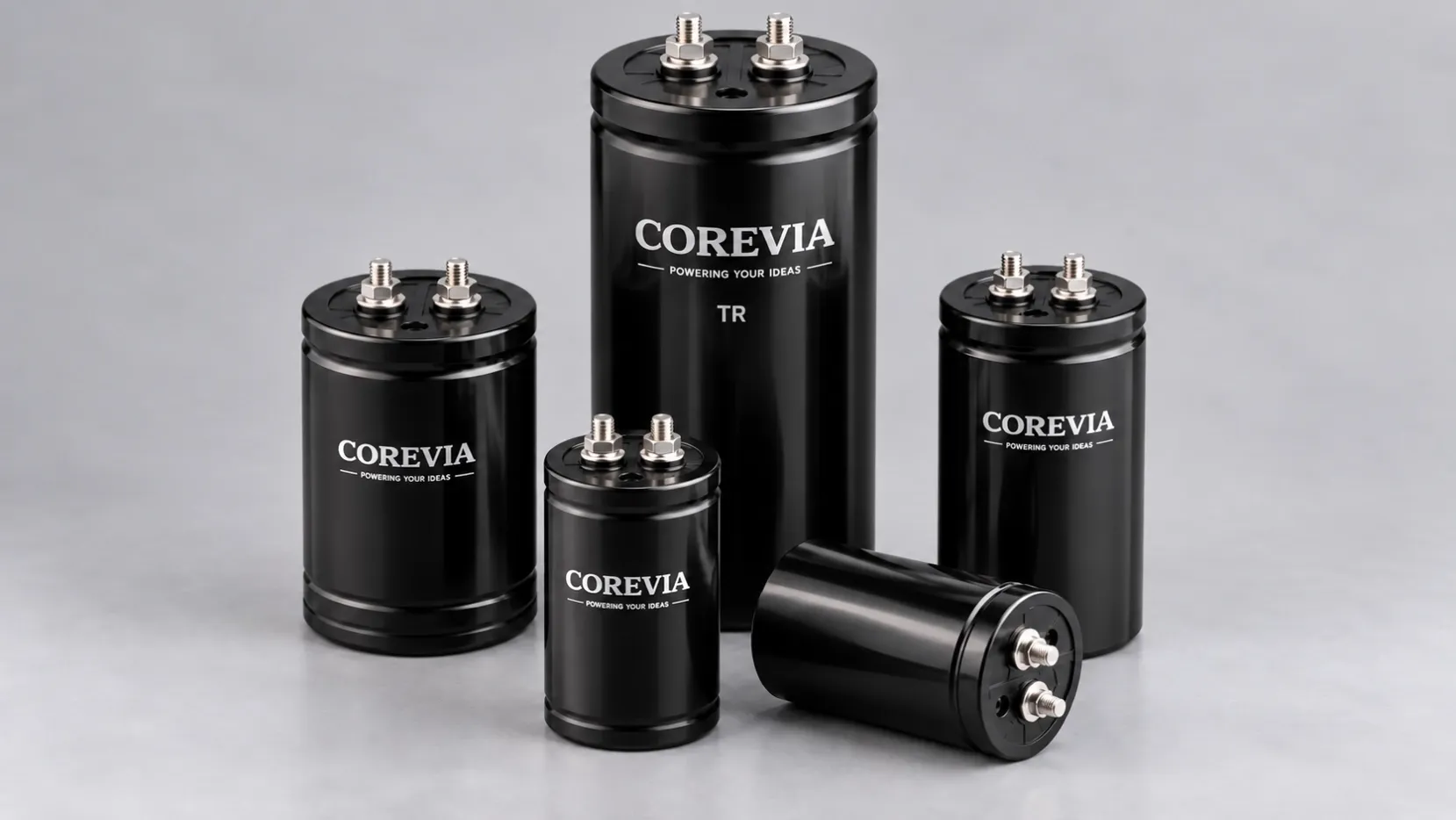
For product-family context, review the COREVIA screw-terminal capacitor range. Selection still depends on the exact series specification and the application's electrical, thermal and mechanical conditions.
What should an OEM send COREVIA for mounting review?
Send the full COREVIA part number, case dimensions, mounting orientation, clamp or bracket drawing, busbar drawing, chassis and insulation details, terminal hardware, vibration and shock requirements, ambient temperature, cooling method and photographs of the proposed assembly. Include the equipment duty and service environment so the mechanical review is not separated from electrical and thermal stress.
For relevant equipment inputs, see the COREVIA industrial drives and VFD application page or the COREVIA UPS application page. Then contact COREVIA with the exact part number and mounting drawing for an application-focused review.
Can the copper busbars hold the capacitor in place?
Do not assume so. Busbars are electrical conductors and should not be used as the only structural support unless the exact product and equipment design has been specifically qualified for that arrangement.
Can one clamp size be reused after changing the capacitor diameter?
Not without review. A different diameter can change the contact area, restraint and insulation clearances. Match the mounting hardware to the exact case drawing.
Is terminal torque enough to verify the mechanical installation?
No. Terminal tightening is only one part of the assembly. Also verify body support, busbar alignment, clamp condition, insulation, vent clearance and the defined vibration environment.
Need a mounting review before releasing an inverter, UPS or industrial drive design? Send COREVIA the exact capacitor part number, clamp drawing, busbar layout and mechanical requirements.