How Should You Measure Radial Capacitor Capacitance at Incoming Inspection?
A capacitance reading is meaningful only when the meter settings and acceptance limit match the exact COREVIA radial series. Use this incoming inspection checklist.
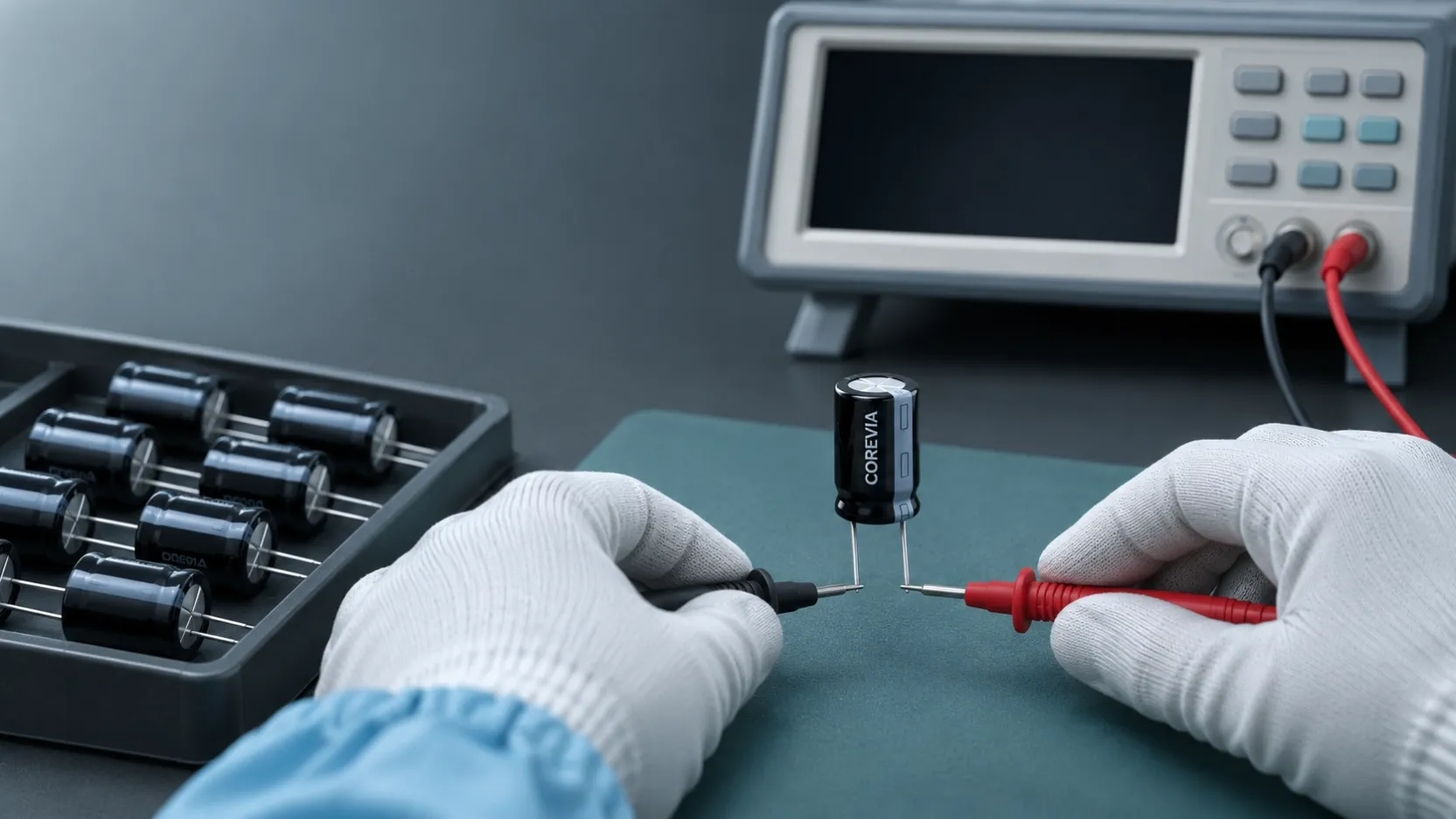
To check incoming COREVIA radial aluminum electrolytic capacitors, identify the exact part and its capacitance test conditions first. Measure an unpowered, discharged sample at the specified frequency and temperature, then compare the result with the tolerance for that part. A handheld meter reading taken under different conditions is a screening clue, not a pass or fail decision.
Which specification should the inspector use?
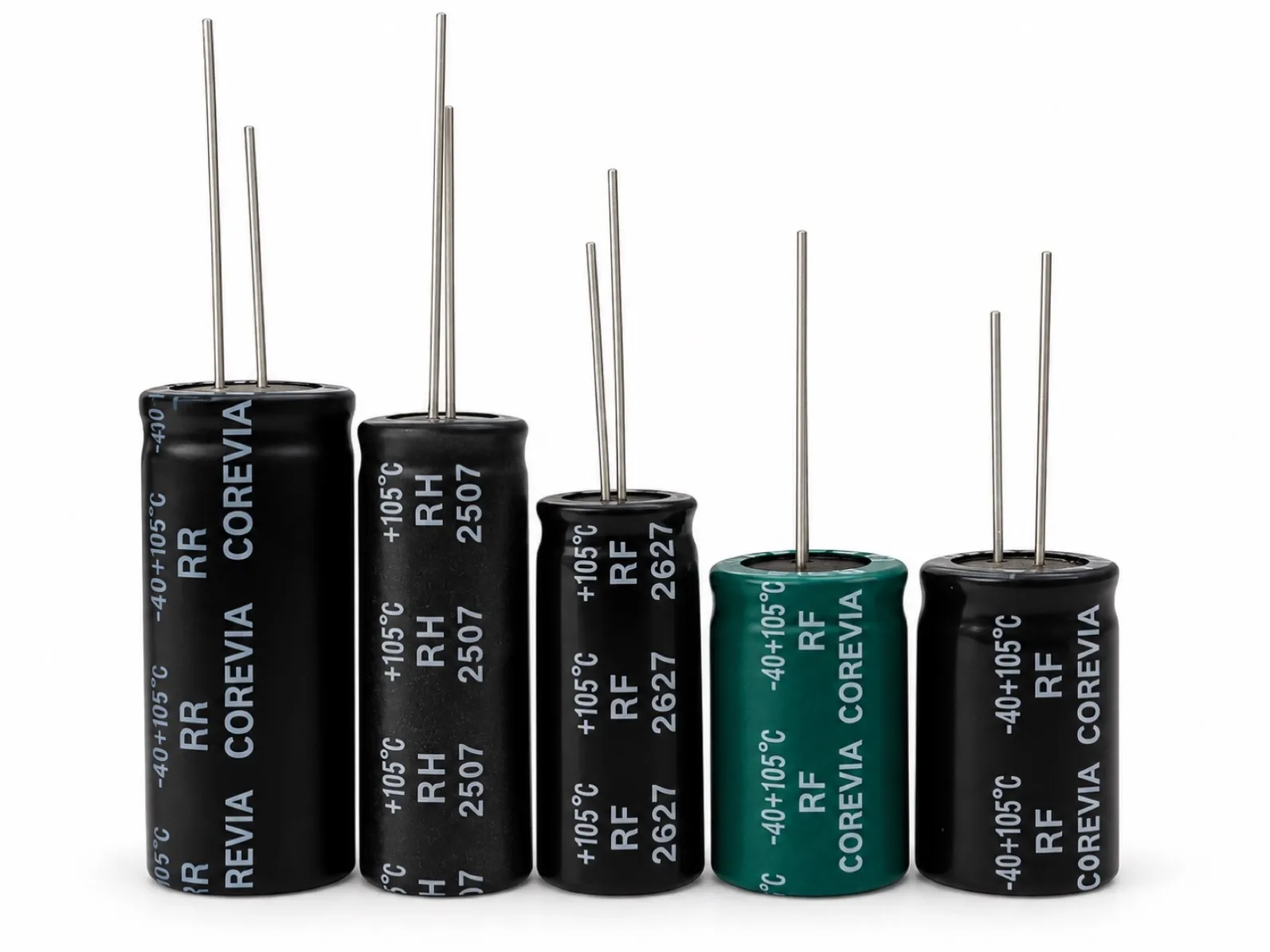
Start with the purchase order, part marking and the corresponding COREVIA series datasheet. The COREVIA radial leaded capacitor family covers multiple series and values; its family overview does not set one capacitance tolerance or test condition for every part. Match the full part number before applying an acceptance limit. Record the nominal capacitance, allowed tolerance, measurement frequency and reference temperature shown for that part. Many aluminum electrolytic specifications use 120 Hz and 20 °C, but the exact COREVIA document controls this inspection.
How do you take a comparable reading?
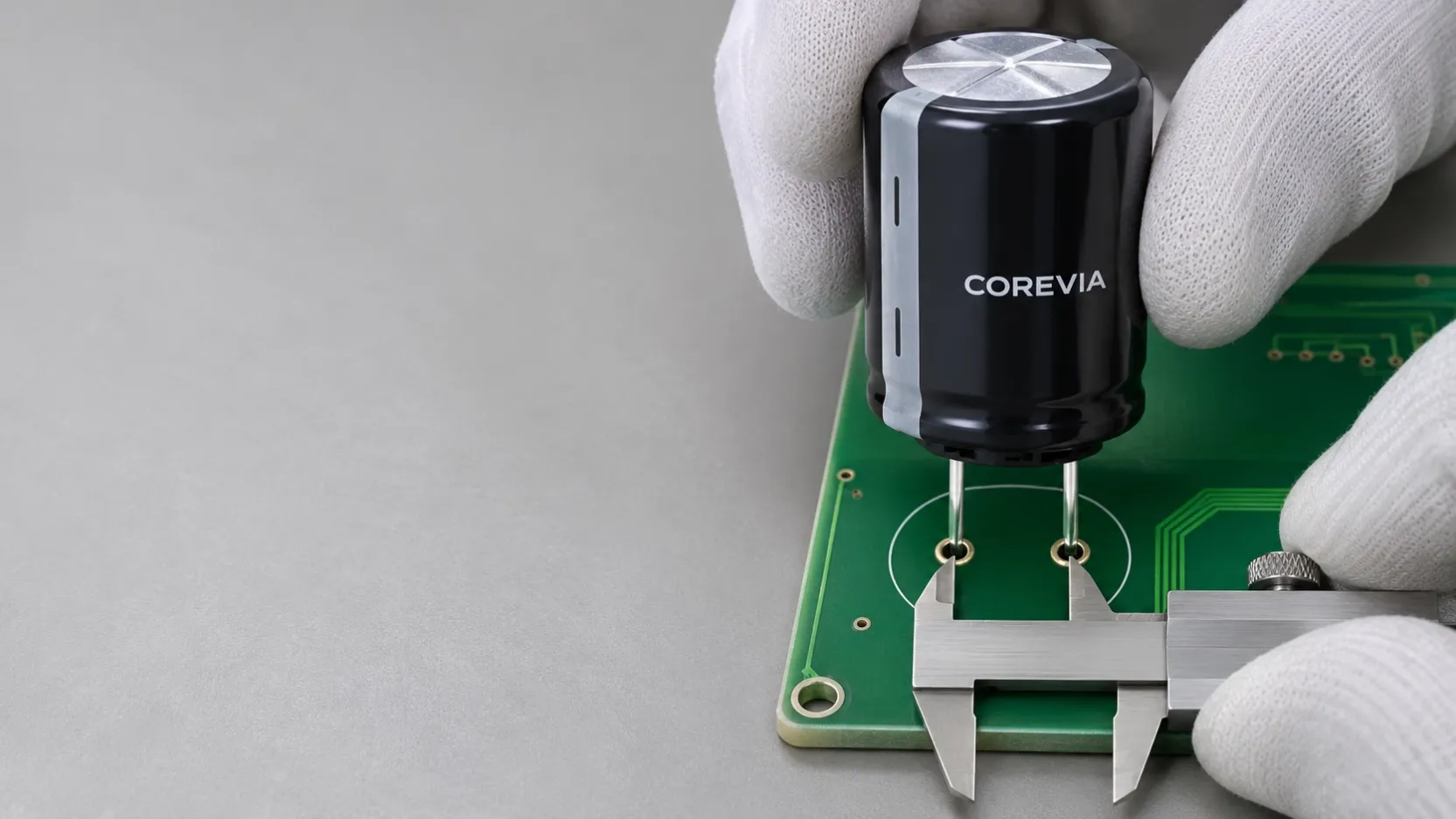
Use a suitable LCR meter and a controlled incoming inspection procedure. Isolate the sample from any powered circuit, discharge it safely, check its condition and connect the meter directly to its leads with reliable contact. Set the meter to the datasheet frequency and measurement mode; allow the sample and test area to reach the specified reference temperature. Where the instrument supports it, compensate the fixture and leads according to the meter procedure. Log the instrument, settings, ambient temperature, part number, lot and result so another inspector can repeat the test.
| Check | Why it matters | Record |
|---|---|---|
| Exact COREVIA part and series | Different parts may have different limits | Part number and datasheet revision |
| Frequency and temperature | Measured capacitance changes with test conditions | Meter frequency and sample temperature |
| Fixture and lead contact | Poor contact can disturb a reading | Fixture or probe method |
| Measured value and tolerance | Comparison requires a part-specific limit | Result, units and disposition |
What if the value appears outside tolerance?
Do not reject a lot from one unexplained reading. Confirm that the meter is set correctly, the sample is fully discharged, the lead contact is sound and the correct datasheet revision was used. Repeat the measurement on the same sample under the specified conditions, then follow the agreed sampling plan. Keep suspect parts segregated while the measurement and traceability are reviewed. Do not invent a universal percentage limit or use a different supplier's specification as a COREVIA acceptance standard.
If the reading remains outside the applicable limit, send COREVIA the part number, lot identification, purchase reference, instrument settings, temperature, sample count and measured values. This allows a part-specific review before the lot is released to production.
FAQ: incoming capacitance checks
Can a handheld multimeter replace an LCR meter?
It can provide a quick screening reading, but its test method may differ from the datasheet conditions. Use an instrument and method that match the applicable specification for acceptance.
Is every radial capacitor tested at 120 Hz?
No single setting should be assumed for the entire COREVIA range. Check the exact series document and use the conditions stated there.
Does one low reading mean the shipment is defective?
Not by itself. Verify the test setup and follow the agreed sampling and escalation procedure before deciding the lot's disposition.
Need the correct radial series or an inspection review? See COREVIA radial capacitors and contact COREVIA with your part number, test conditions and measurement record.