Sep 28, 2026Capacitor Selection
Snap-In Capacitor Pin Layout: What Is the Third Pin For?
Why does a snap-in aluminum electrolytic capacitor have a third pin? Check the terminal drawing, polarity and PCB footprint before approving a part.
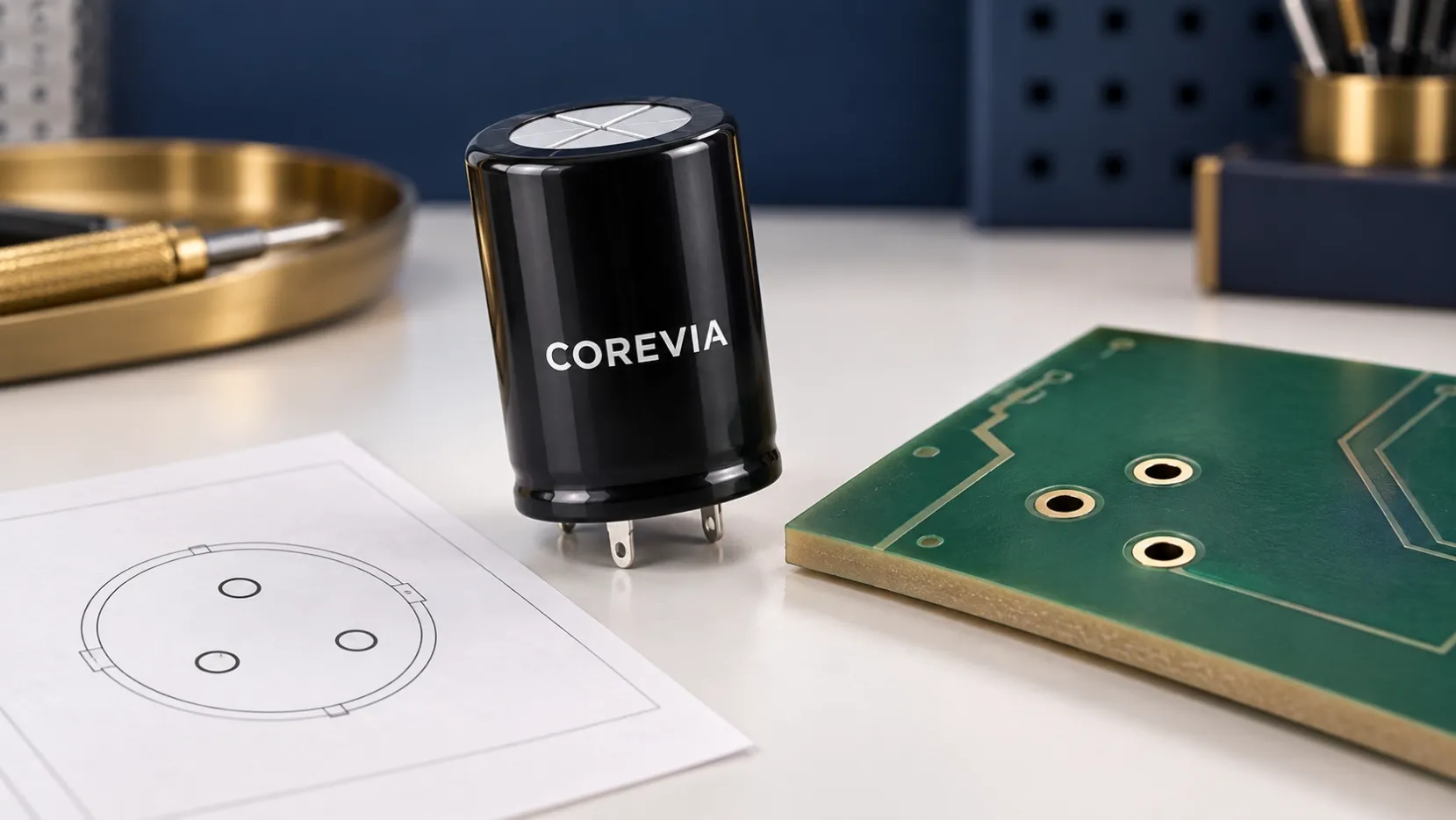
Three holes on the PCB, but only two electrical connections: this is a detail worth checking before you order a snap-in aluminum electrolytic capacitor.
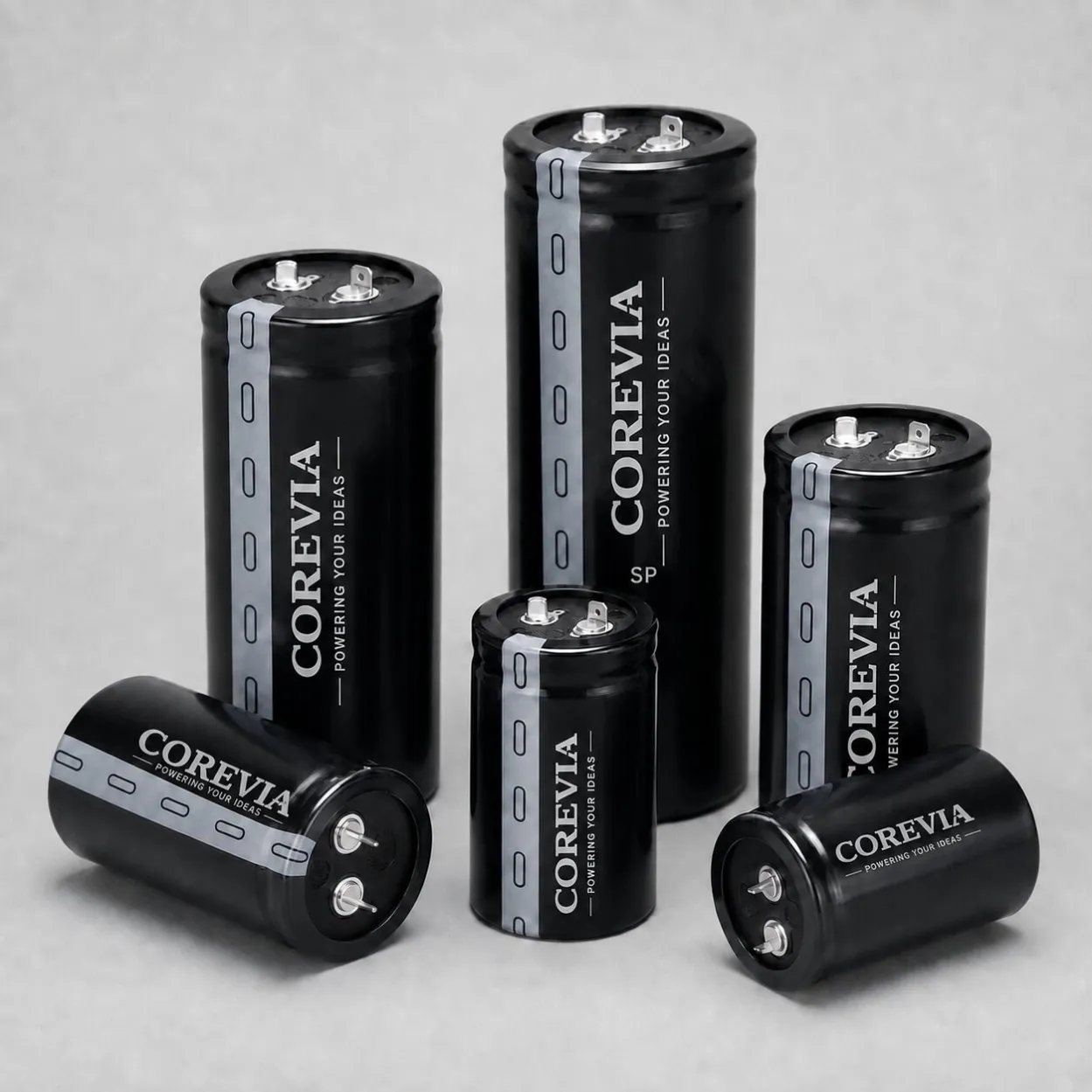
A snap-in capacitor may have an extra pin for mechanical support. That pin does not automatically become a third power terminal. Its position and permitted electrical connection depend on the exact series and terminal design. Start with the manufacturer’s bottom-view terminal drawing, not a photo of the can.
Why the PCB footprint matters
Voltage, capacitance and case diameter can all match while the part still does not fit the board. A different pin spacing, pin shape or support-pin location can stop assembly. More seriously, assuming the wrong polarity or connecting an auxiliary pin to an unrelated live trace can create an electrical problem.
What to check before approving the part
Compare the actual capacitor drawing with the PCB footprint from the solder side. Identify the positive and negative pins, the location of any extra support pin, each hole size and the distance between holes. Check whether the support pad is isolated or connected as permitted by the exact product documentation. Also confirm case diameter, height and mechanical clearance.
If an existing board uses a three-pin footprint, send the PCB drawing or a clear photo of both sides along with the original capacitor part number. A supplier can then verify the terminal arrangement before recommending a sample. Do not assume that two three-pin capacitors share the same pinout.
At COREVIA, we can review your snap-in capacitor requirements for UPS, inverters and other power-electronics equipment. Send us the original specification and PCB footprint at [email protected].